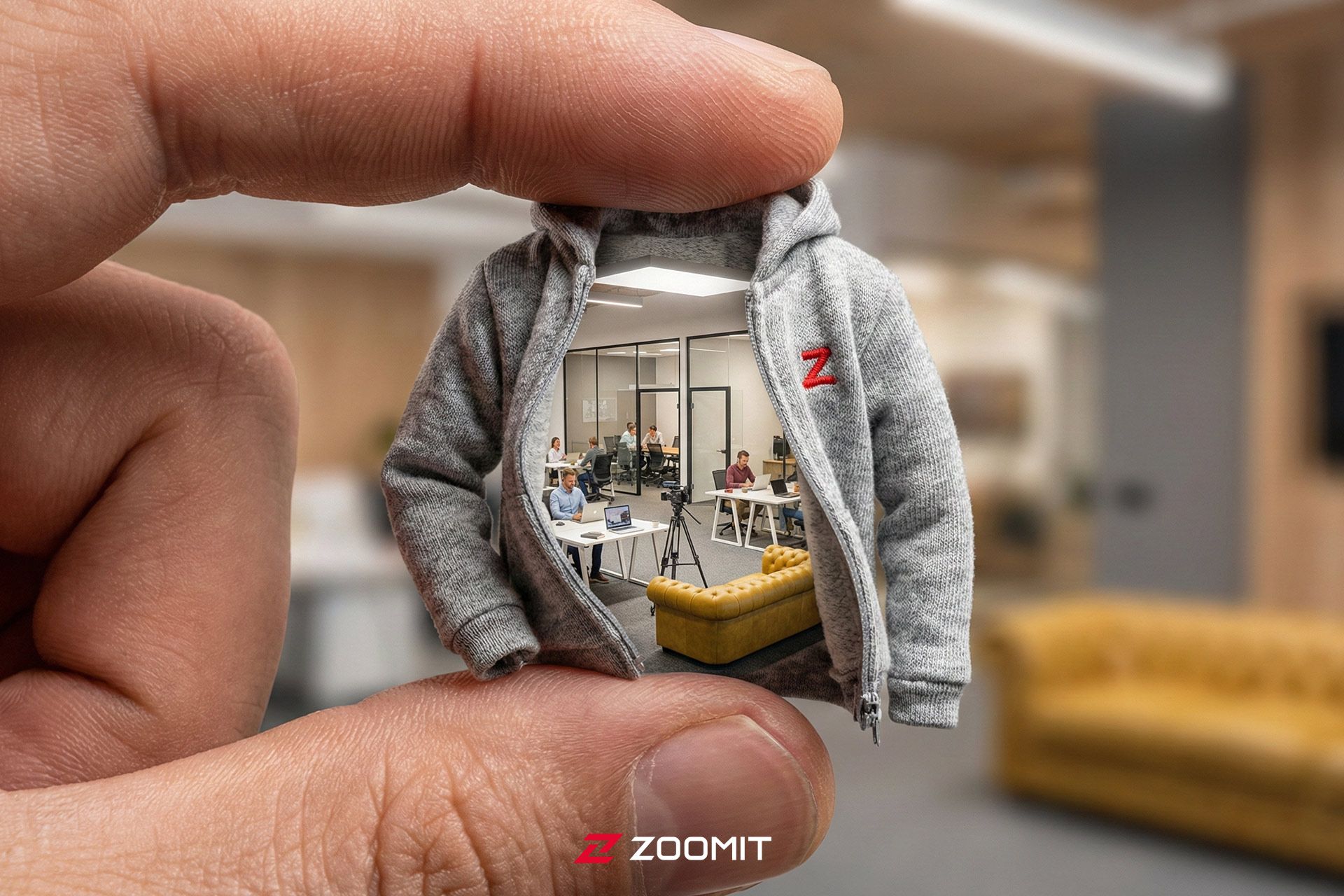
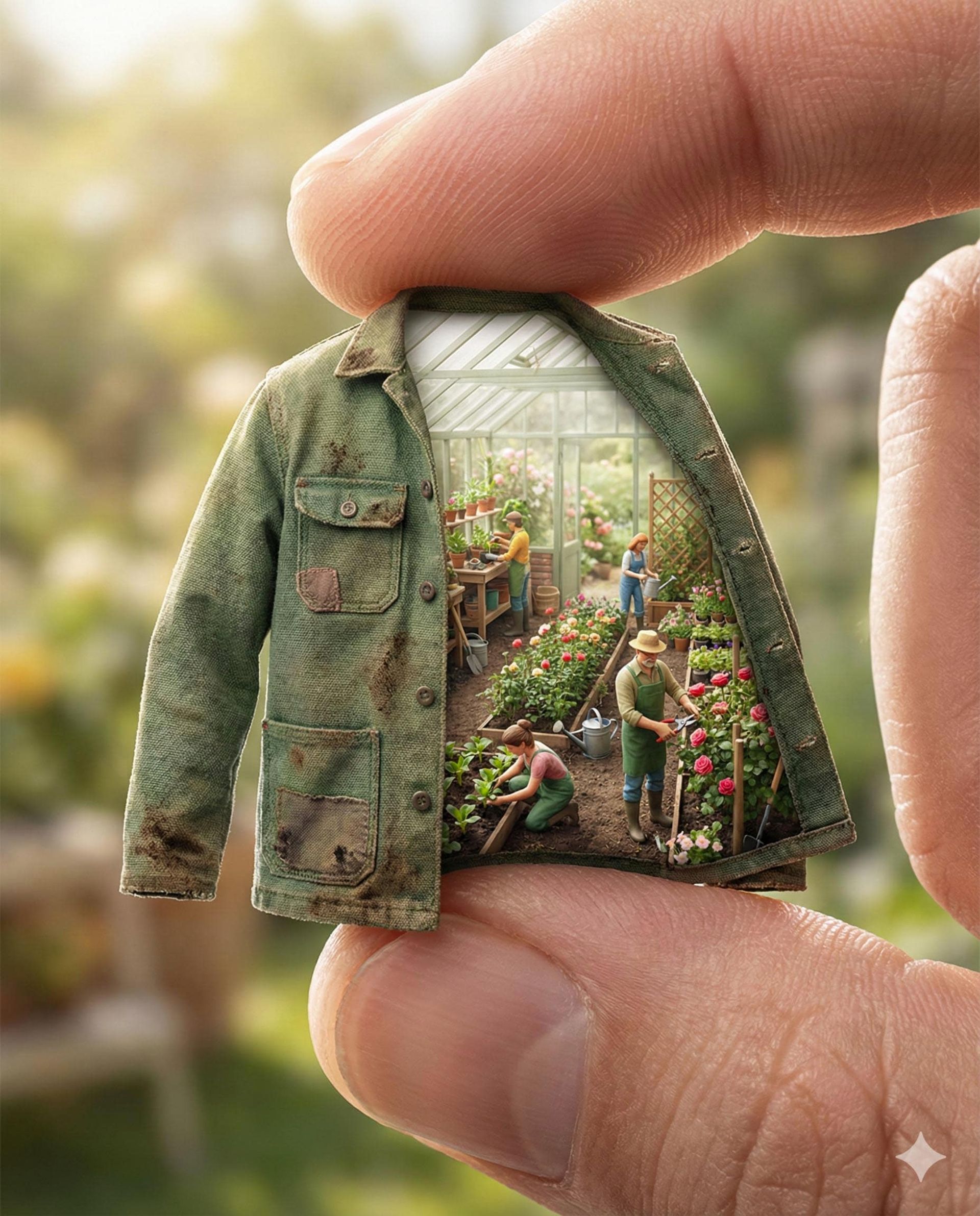
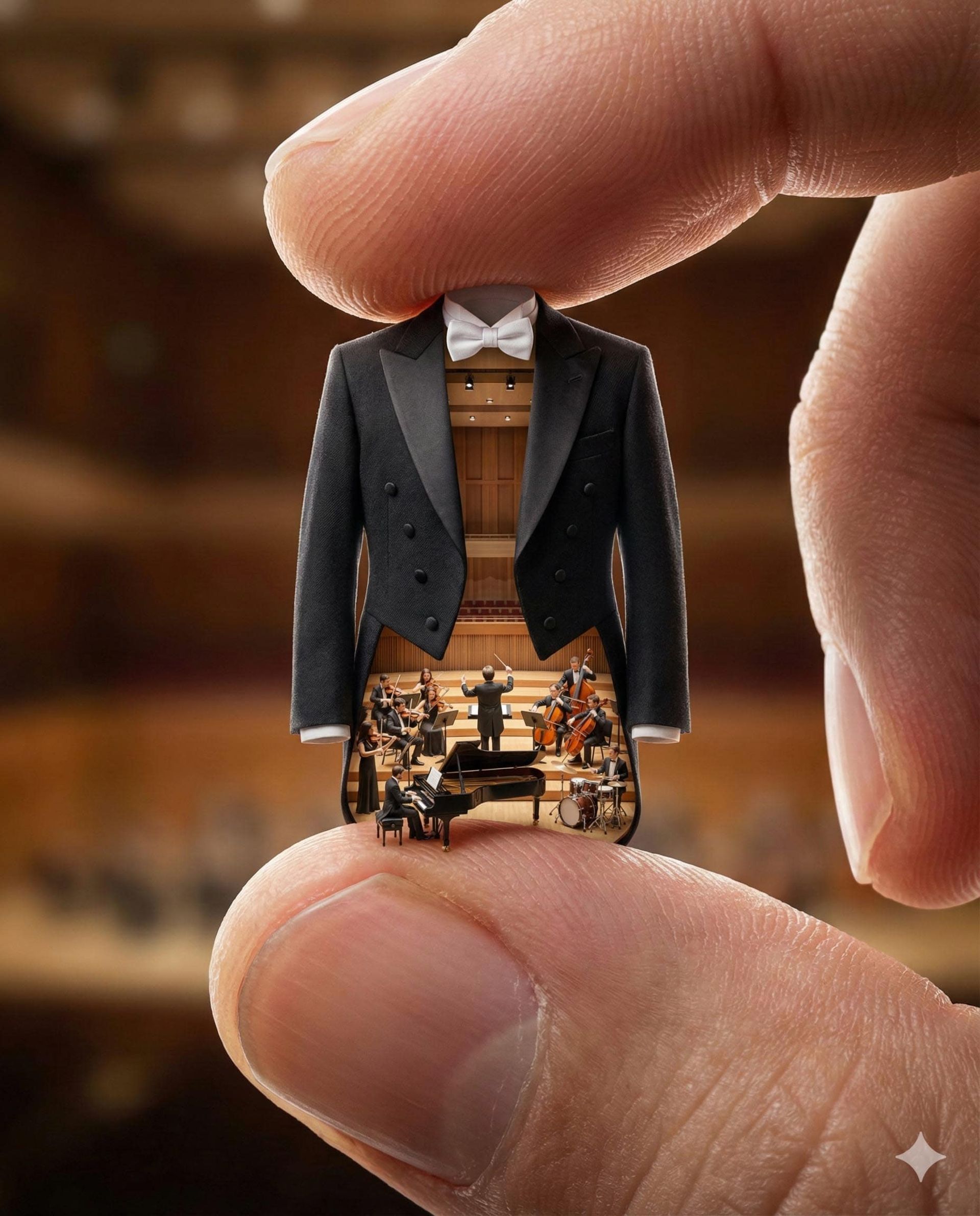
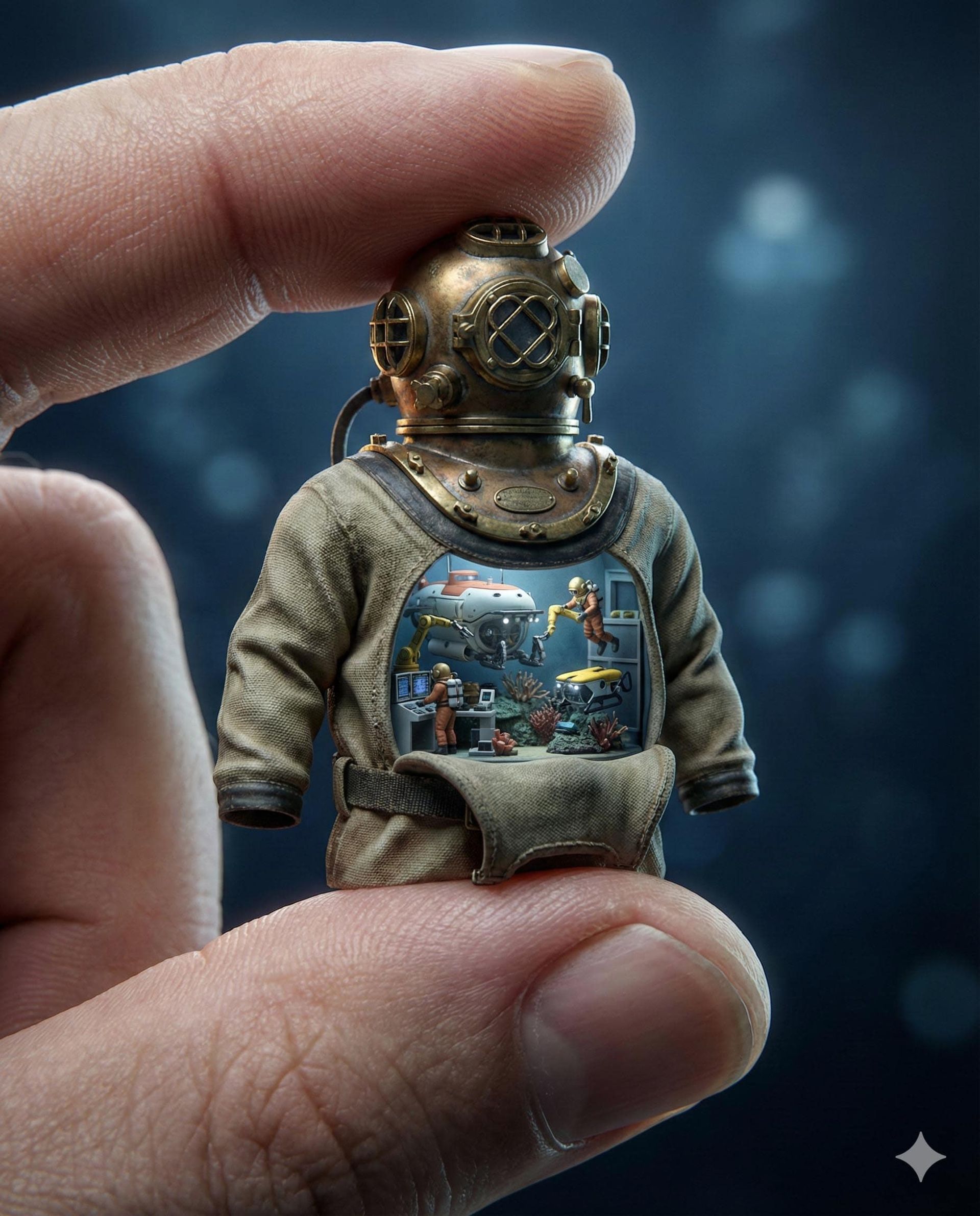
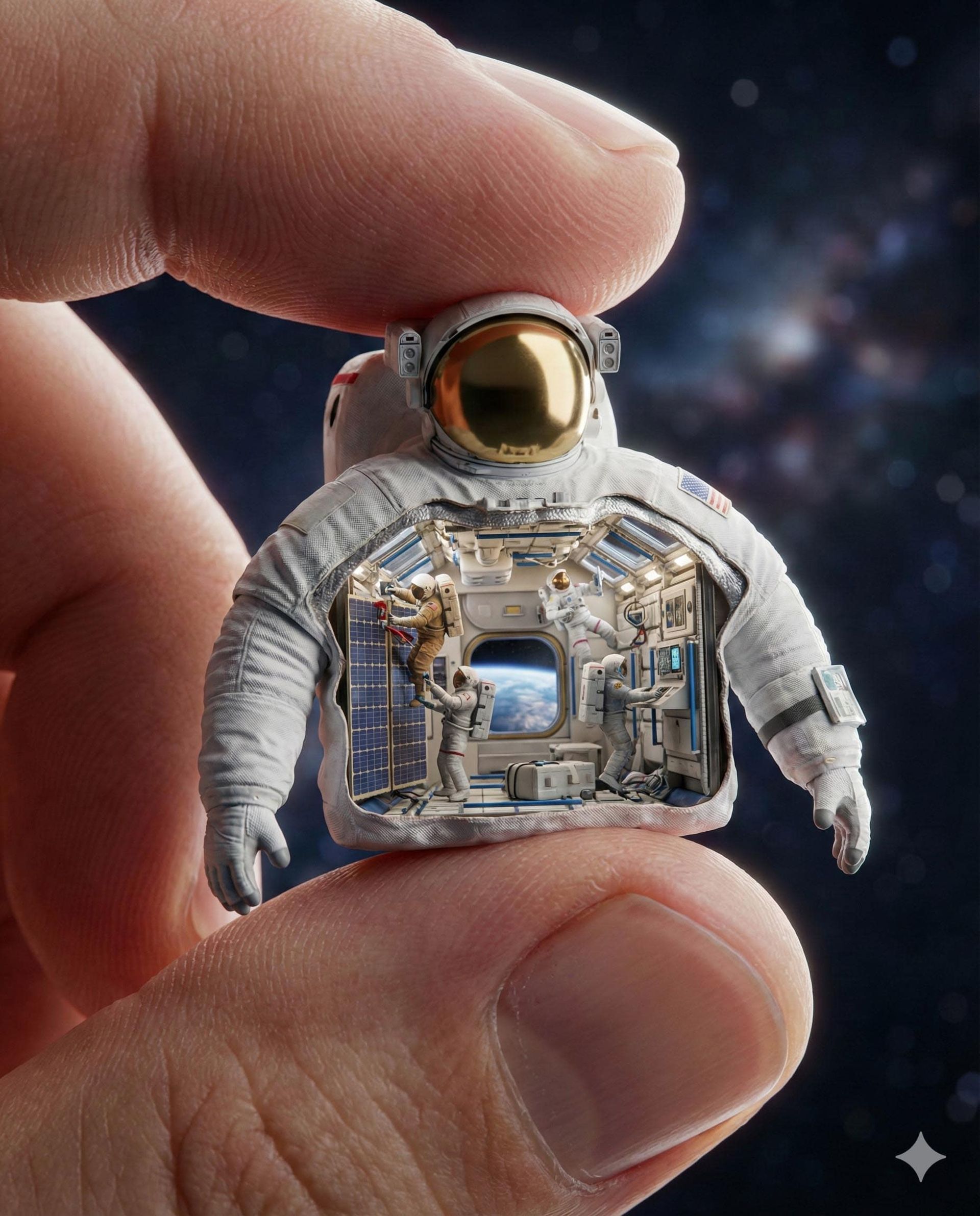
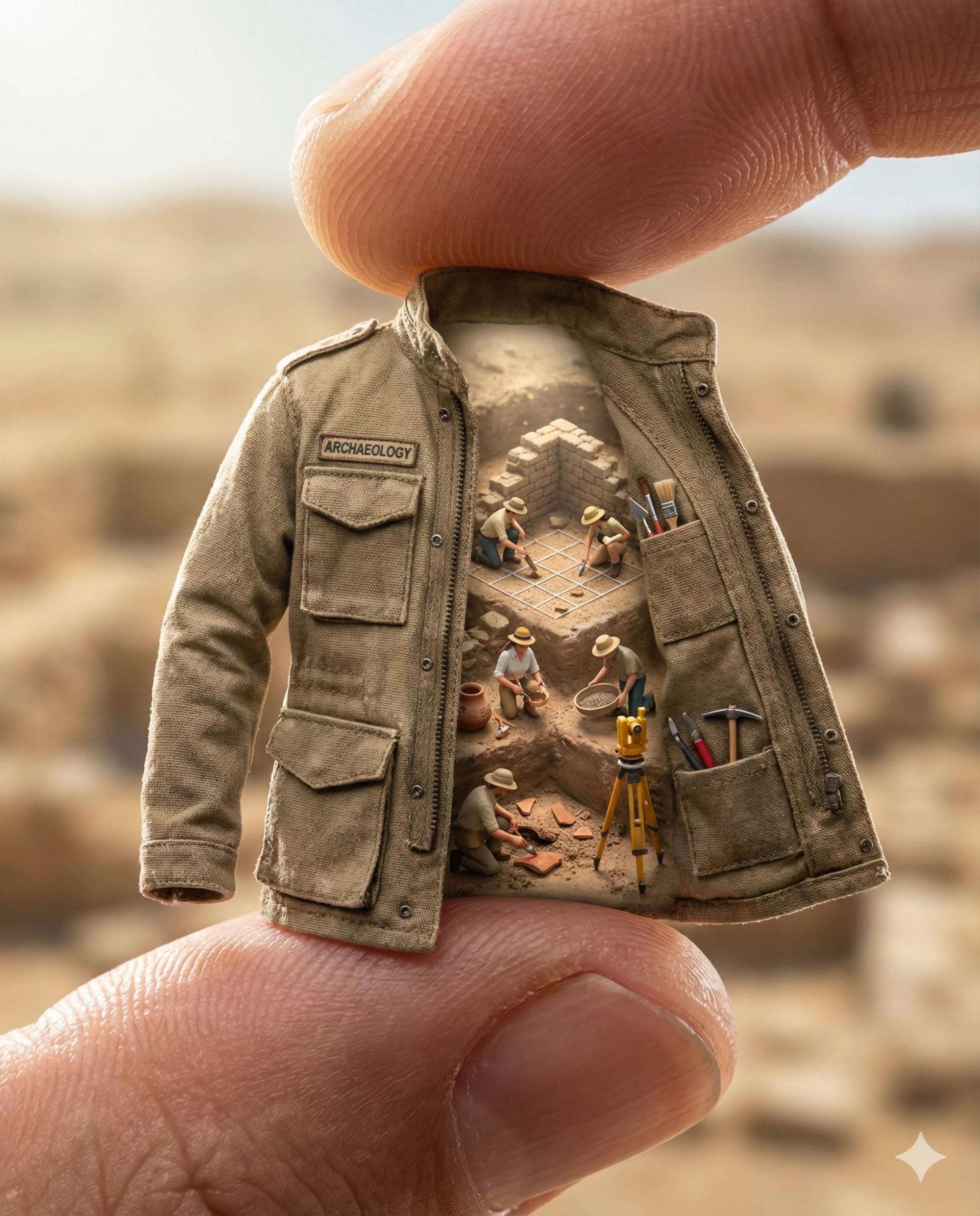
تصور کنید یک لباس مینیاتوری، تمام دنیای کاری شما را در خود جای داده است؛ با هوش مصنوعی این تصویر خلاقانه را خلق کنید.
تبلیغات
هنر دیوراما (ژرفنما) با بازسازی دنیاهای کوچک و پرجزئیات، همیشه جذاب بوده است. اکنون هوش مصنوعی با تلفیق این هنر و عکاسی ماکرو، قابی سوررئال خلق میکند: لباس فرم یک شغل که در ابعادی مینیاتوری میان انگشتان شما جا میگیرد و دنیایی پویا از همان حرفه را در دل دارد. در این مقاله پرامپتی دقیق برای خلق چنین تصاویری را معرفی میکنیم.
کپی لینک
مراحل ساخت دیورامای مینیاتوری از شغلها با هوش مصنوعی
برای ساخت چنین تصویری، میتوانید از ابزارهایی مانند نظیر جمنای، چتجیپیتی یا پرپلکسیتی استفاده کنید. ابتدا دستور زیر را کپی کنید و در کادر متنی ابزار هوش مصنوعی خود قرار دهید.
--- [PROMPT MODIFIERS: USER INPUT] ---
$PROFESSION: [Enter Profession Here, e.g. Astronaut]
$ASPECT_RATIO: 4:5
--- [PROMPT LOGIC] ---
Part 1: The Core Subject (Macro Scale & Tactile Realism)
Create a hyper-realistic macro photograph of a miniature uniform or coat iconic to a $PROFESSION, held delicately between a giant human thumb and index finger.
- Scale: The image must emphasize the massive scale difference. The human skin ridges and fingerprints should appear huge and detailed compared to the miniature object.
- Tactile Interaction: The giant fingers should visibly slightly compress the fabric of the miniature object where they touch, showing weight and physical contact.
- Skin Physics: Apply subsurface scattering to the human fingers, giving the skin a natural, translucent, organic glow under the light.
- Materiality: Render the specific fabric and texture authentic to a real $PROFESSION's gear with extreme fidelity.
Part 2: The Aesthetic & Environment (Internal Diorama)
- The Reveal: The interior of the garment is revealed as a cross-section or open diorama.
- Structure: Inside, a complex architectural structure representing a $PROFESSION's workspace supports a bustling micro-scene.
- Action: Tiny $PROFESSION figures are visible inside, busily engaging in specialized tasks and using tools specific to their trade.
- Detail: Ensure all micro-props and equipment are recognizable and strictly relevant to the $PROFESSION.
Part 3: Camera & Lighting (Miniature Physics)
- Camera: 100mm Macro Lens.
- Focus: Use a razor-thin focal plane. The interior diorama and the texture of the coat are in sharp focus; the human fingers soften naturally towards the edges.
- Lighting: Studio macro lighting. Soft, diffused light illuminates the interior scene clearly. A rim light highlights the edges of the tiny object to separate it from the background.
- Background: A blurred, atmospheric background with a color palette and lighting mood that matches the $PROFESSION's typical environment.
- Format: Aspect Ratio $ASPECT_RATIO.
Part 4: Negative Prompt (Quality Control)
- Avoid: cartoon, illustration, low resolution, blurry details, bad scale, distorted figures, messy composition, human face visible, plastic skin, stiff fabric, floating objects.
این پرامپت شامل دو متغیر اصلی برای شخصیسازی است؛ نام شغل مورد نظر (مانند Doctor) را جایگزین $PROFESSION کنید و نسبت تصویر دلخواهتان (مانند 4:5) را در بخش $ASPECT_RATIO بنویسید.
باغبان
موزیسین
غواص عمق
فضانورد
باستانشناس
در جدول زیر میتوانید ایدههایی برای جایگزینی متغیر $PROFESSION مشاهده کنید: